
Stop writing test scripts. Ship with confidence.
BugPilot turns plain-English requirements into executable tests, runs them across browsers, and delivers evidence-rich reports to your workflow.

How BugPilot works
From requirement to evidence-rich report in three steps.
Describe what to test
Write requirements in plain English. BugPilot converts them into editable, executable test scenarios — no scripting required.
Run across browsers
Execute tests across your configured browsers, devices, and environments. Catch cross-browser issues before your users do.
Get evidence-rich reports
Every failure comes with screenshots, recordings, console logs, reproduction steps, and severity — ready to file as an issue.
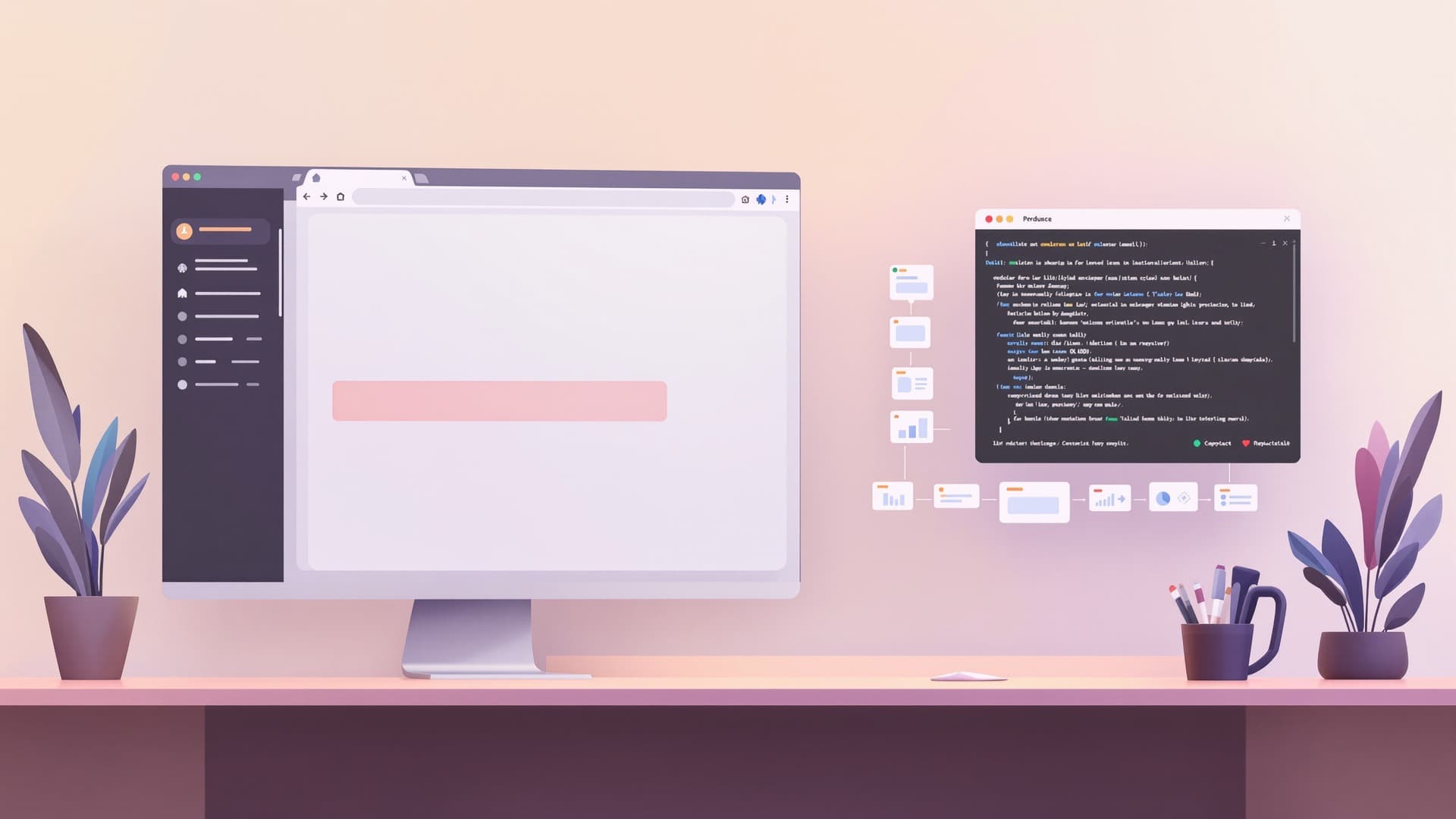
Every failure tells the full story
BugPilot doesn't just say "test failed." Every finding comes with screenshots, video recordings, console logs, network traces, and step-by-step reproduction — bundled into an issue-ready report.
- Screenshots and video recordings of the failure
- Console and network logs with timestamps
- Step-by-step reproduction instructions
- Severity suggestions based on impact
- One-click issue creation in your tracker
Fits into your existing workflow
BugPilot connects with the tools your team already uses.
Simple pricing that scales with your team
Every plan includes AI test generation, cross-browser execution, and evidence-rich reporting.
Starter
For small product teams shipping weekly.
- 1,000 execution minutes
- 3 team seats
- AI test generation
- Cross-browser execution
- Evidence-rich reports
Growth
For scaling QA teams with CI/CD pipelines.
- 5,000 execution minutes
- 10 team seats
- CI/CD integration
- Priority execution queue
- Everything in Starter
Scale
For multi-product engineering organizations.
- 20,000 execution minutes
- Unlimited seats
- SSO & SAML
- Dedicated support
- Everything in Growth
Frequently asked questions
Do I need to write code to use BugPilot?+
No. You describe what to test in plain English and BugPilot generates the executable scenarios. You can review and edit them, but you never have to write test scripts from scratch.
What browsers and devices are supported?+
BugPilot supports Chrome, Firefox, Safari, and Edge across desktop and mobile viewports. Real-device mobile testing is available on Growth and Scale plans.
How is BugPilot different from Selenium or Playwright?+
Selenium and Playwright require you to write and maintain test code. BugPilot generates tests from requirements, maintains them when your UI changes, and bundles every failure with evidence — screenshots, recordings, logs, and reproduction steps.
Can I edit the generated tests?+
Yes. Every generated test is fully editable. You can adjust steps, add assertions, change test data, and refine edge cases. BugPilot preserves your edits across future regeneration.
What happens when my UI changes?+
BugPilot adapts to UI changes automatically. When selectors or flow details shift, it updates the test steps rather than failing with a broken locator — and tells you what it changed.
Where do findings get sent?+
BugPilot integrates with GitHub, Jira, Linear, Slack, and your CI/CD pipeline. Findings are prioritized and formatted as issue-ready reports, so your team can act without extra translation.
Ready to replace manual QA?
Start generating tests from your requirements today. No credit card required.